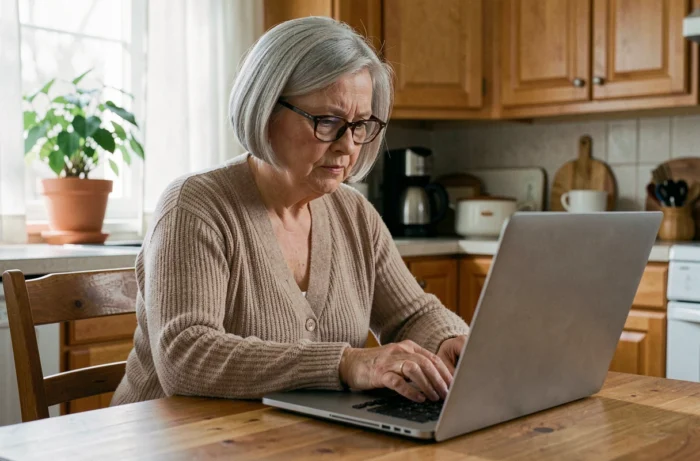
Philia is a work tool reserved for the ADMR network. Unlike a consumer service, Philia ADMR login credentials cannot be created freely: they are issued by the local association or employing organization. This changes the entire access recovery process, as a standard password reset form is not always enough.
Locked out of Philia just before a home visit
An inaccessible account just as you are about to visit a service user creates a real problem. Philia centralizes schedules, instructions related to service users, time and travel tracking, and internal communications. Without access, care workers lose visibility into information that may be sensitive, such as ongoing treatments, special precautions, and schedule changes.
It may be tempting to borrow a colleague’s account to quickly check the instructions. That is a bad idea. Using a colleague’s account exposes the service user’s personal data and creates confusion in the audit trail: recorded actions will be attributed to the wrong person.
If you are immediately locked out, contact your supervisor directly. The article on logging in to Philia ADMR online explains how to report a locked account and obtain temporary access through your area manager.
- Call your area manager or local ADMR office before setting out on a visit to get instructions by phone or through a secure channel
- Never share your own login details with a colleague, even as a quick fix, because each session is tied to a specific user
- Request an emergency password reset rather than trying to work around the problem, so you can regain personal access as quickly as possible
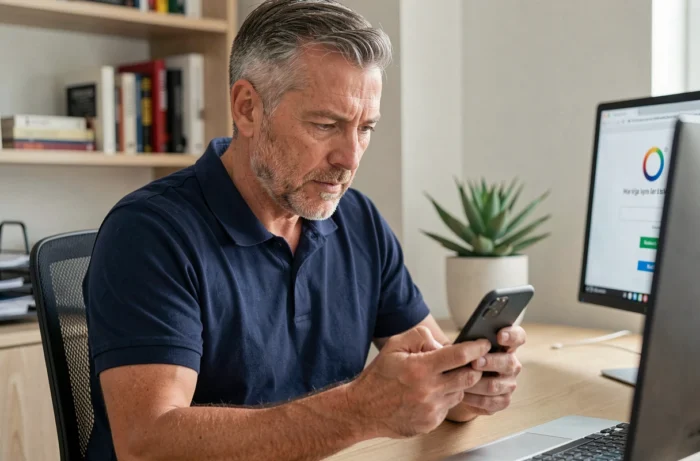
Forgot your Philia ADMR password? Follow the right procedure
On a standard service, the “forgot password” link sends a password reset email. Philia works differently because access is managed by the employing association, not by the end user. The online recovery form, if available, may not work if the email address on file is not the one the care worker uses day to day.
The most reliable option is to contact your local ADMR office directly. The manager or system administrator can reset the password on the server and provide temporary access. This is faster than repeatedly trying an online form that does not recognize the address you entered.
Lost or never received your username
Some care workers have never memorized their username, especially if they log in using a shortcut saved on their phone. If they change devices or the browser clears its data, the username disappears along with the saved session.
Your Philia username is assigned when you join the organization. It does not necessarily match your personal email address. There is only one reliable source for retrieving it: the administrative department of the ADMR association that created the account. No third-party tool can legitimately provide this information.
Philia account security and phishing attempts
A login guide would be incomplete without a reminder about fraudulent messages. Emails or text messages may ask you to “confirm” your Philia password by clicking a link. These messages sometimes imitate ADMR’s branding.
ADMR will never ask for your password by email or text message. If you are unsure about a message you have received, contact the association using a phone number you already know—not a link or number included in the suspicious message.
This is particularly important in the home care sector. Philia accounts provide access to health data, addresses, and lifestyle habits of vulnerable people. A compromised account puts not only the care worker at risk, but also the service users.
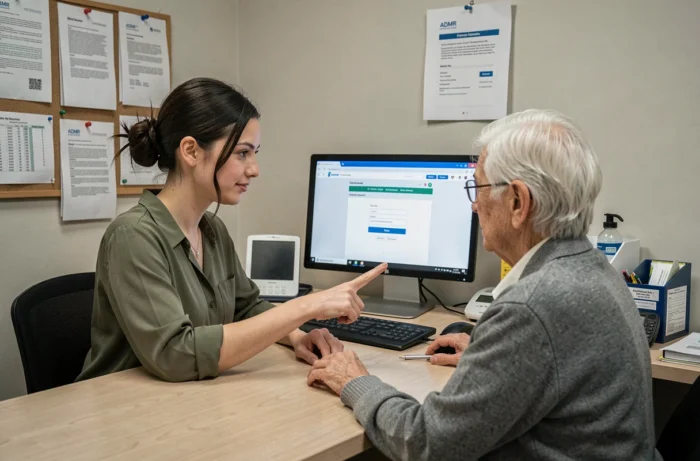
Logging in to Philia ADMR from a new phone or browser
Changing devices is the most common reason care workers report losing access. The session stayed open on the old phone. On the new one, everything has to be entered again.
Before contacting the administration, it is worth checking a few things:
- Check your browser’s password manager (Chrome, Firefox, Safari) to see whether your Philia login details were saved automatically during a previous login
- Check your work email history for the original message containing your username, which is often sent when you start the job
- Make sure you have entered the correct Philia website address, as search results for similar queries may include pages unrelated to ADMR
If these checks do not help, your local manager is the only authorized contact who can reset or resend your login details. Response times vary depending on the size of the association, but reporting the problem early in the day usually makes it possible to regain access before your next round of visits.
A locked Philia account is no minor issue if it delays a visit to someone who depends on care. Keeping your login details in a secure password manager separate from your browser is the simplest way to avoid this situation.